# Access Bank Account

## 1. Unlock Bank Account

Click on the "Unlock Bank Account" button to initiate the process.

<figure><img src="https://3600526334-files.gitbook.io/~/files/v0/b/gitbook-x-prod.appspot.com/o/spaces%2F5X5qOJXBkAmpiBJb6AhJ%2Fuploads%2FeU8D47z9mL6JicCVtJFp%2Fimage.png?alt=media&#x26;token=7c1e0739-0406-4208-a501-53969c17345e" alt="" width="375"><figcaption><p>Bank Dashboard</p></figcaption></figure>

### 1.1 Authorize Access

Click on the "Send OTP" button to receive an OTP at your TygaPay email address to authorize access to your bank account.

<figure><img src="https://3600526334-files.gitbook.io/~/files/v0/b/gitbook-x-prod.appspot.com/o/spaces%2F5X5qOJXBkAmpiBJb6AhJ%2Fuploads%2FTOYIf4KpyDhruhFGc4uh%2Fimage.png?alt=media&#x26;token=8abf56b1-dd68-4a95-b82b-40dfe5b57113" alt="" width="375"><figcaption><p>Unlock Bank Account via OTP.</p></figcaption></figure>

### 1.2. Verify Proof of Income

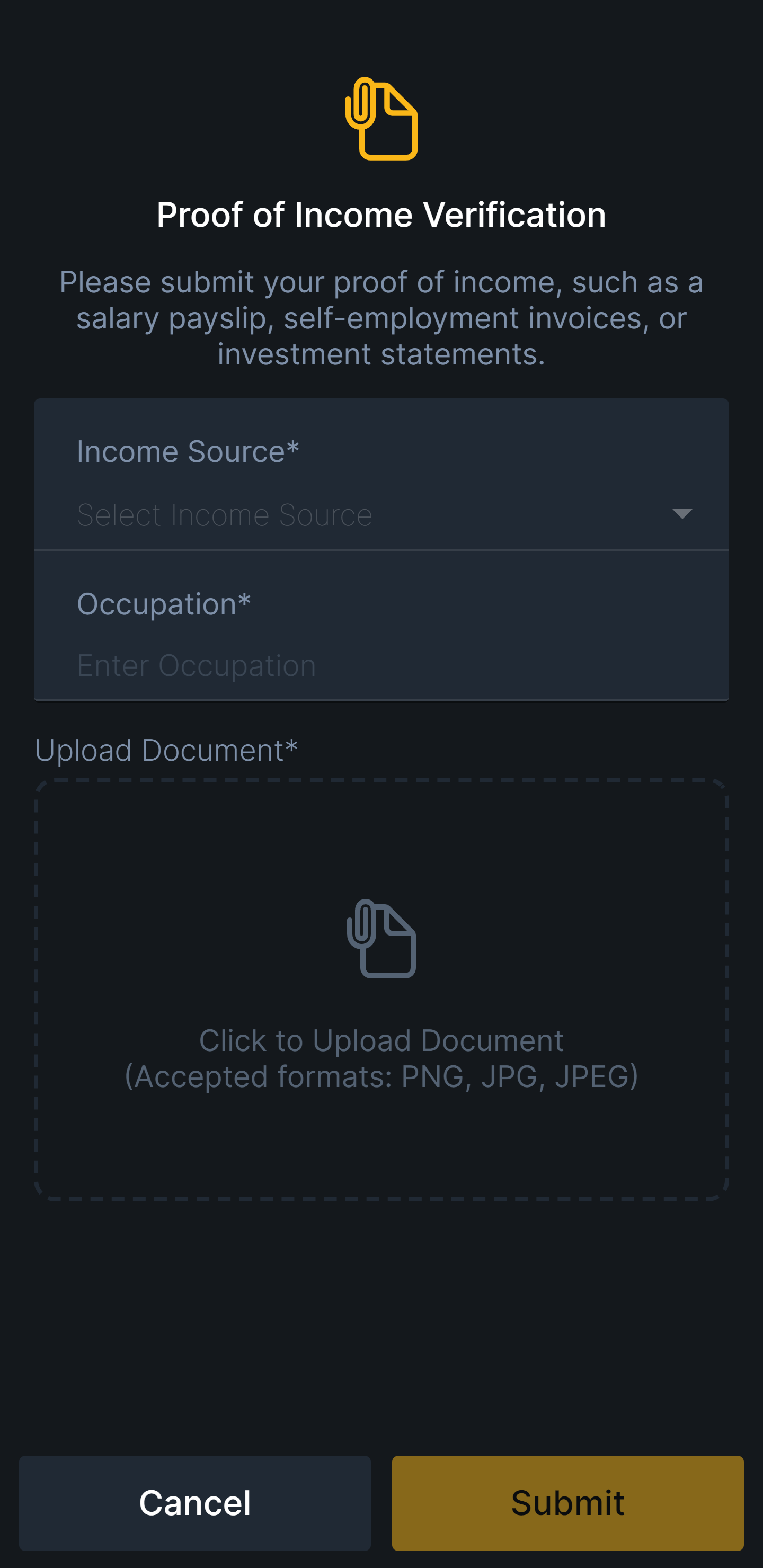
In certain situations, the bank provider may require proof of income to grant access to your bank account.&#x20;

Please upload your most recent proof of income based on your selected income source. Once your proof of income has been submitted, you will receive the outcome via email.

<figure><img src="https://3600526334-files.gitbook.io/~/files/v0/b/gitbook-x-prod.appspot.com/o/spaces%2F5X5qOJXBkAmpiBJb6AhJ%2Fuploads%2F6oC6SxmtBizeHWOmDZRD%2Fimage.png?alt=media&#x26;token=4fff88ec-1feb-4e7e-a93a-d09a570e1130" alt="" width="375"><figcaption><p>Submit Proof of Income</p></figcaption></figure>